
Only users with Marketplace User or above access levels are able to migrate loyalty cards.
Loyalty Migration allows an existing Loyalty Card to be transferred from one outlet to another within the same business. All customers' loyalty cards to date will be migrated automatically, preserving earned stamps and loyalty progress so customers can continue using their loyalty cards without interruption.
The feature is particularly useful when an outlet has a change of ownership and a new outlet is created as part of the change of ownership process.
Loyalty Migration provides a seamless transition for both businesses and customers by:
-
Preserving customer loyalty cards and earned stamps to date.
-
Ensuring customers do not lose any rewards they have already earned.
-
Automatically transferring all loyalty cards to the new outlet.
-
Reducing administration by removing the need to manually add stamps .
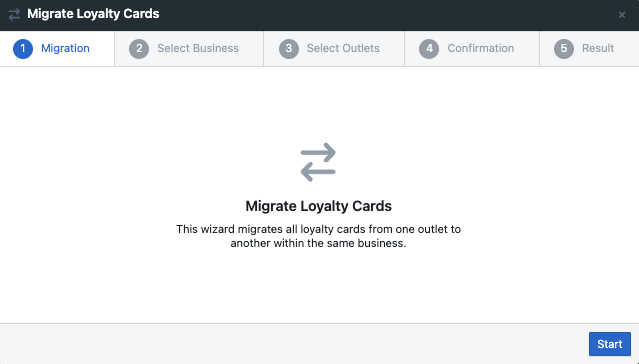
How to Migrate Loyalty Cards
How to locate Loyalty Migration: Rebox → Loyalty → Select a marketplace → Select Migrate
Once on the migration wizard:
-
Select ‘Start’.
-
Select the business.
-
Select ‘Next’.
-
Select the source outlet.
-
Select the target outlet.
-
Select ‘Next’.
-
A list of Cards currently available on the source outlet will display. Information on each card such as the number of active customers and stamps, will also be displayed.
-
Select ‘Migrate’.
-
Migration is complete.
-
Loyalty cards can only be migrated between outlets belonging to the same business.
-
Once the migration is complete, customers will use their loyalty cards at the target outlet.
-
All loyalty cards associated with the source outlet will be migrated to the target outlet.