
Marketplaces and Outlets can update the bank account used for Paybox payouts directly in Redbox Management.
How do I change the bank account where payouts are sent?
Marketplaces
Only users with Marketplace Owner and above access levels are able to see Marketplace → Payments.
How to locate Marketplace’s Paybox Account: Redbox Management → Marketplace → Select a marketplace → Select Payments
-
Once on the ‘Payments’ page, select Sign in - the page will be redirected to the Stripe Login form.
-
Once signed in, the form below will show.
-
Under Payment Details, select ‘Edit’.
-
Complete the form.
-
Select ‘Save’.
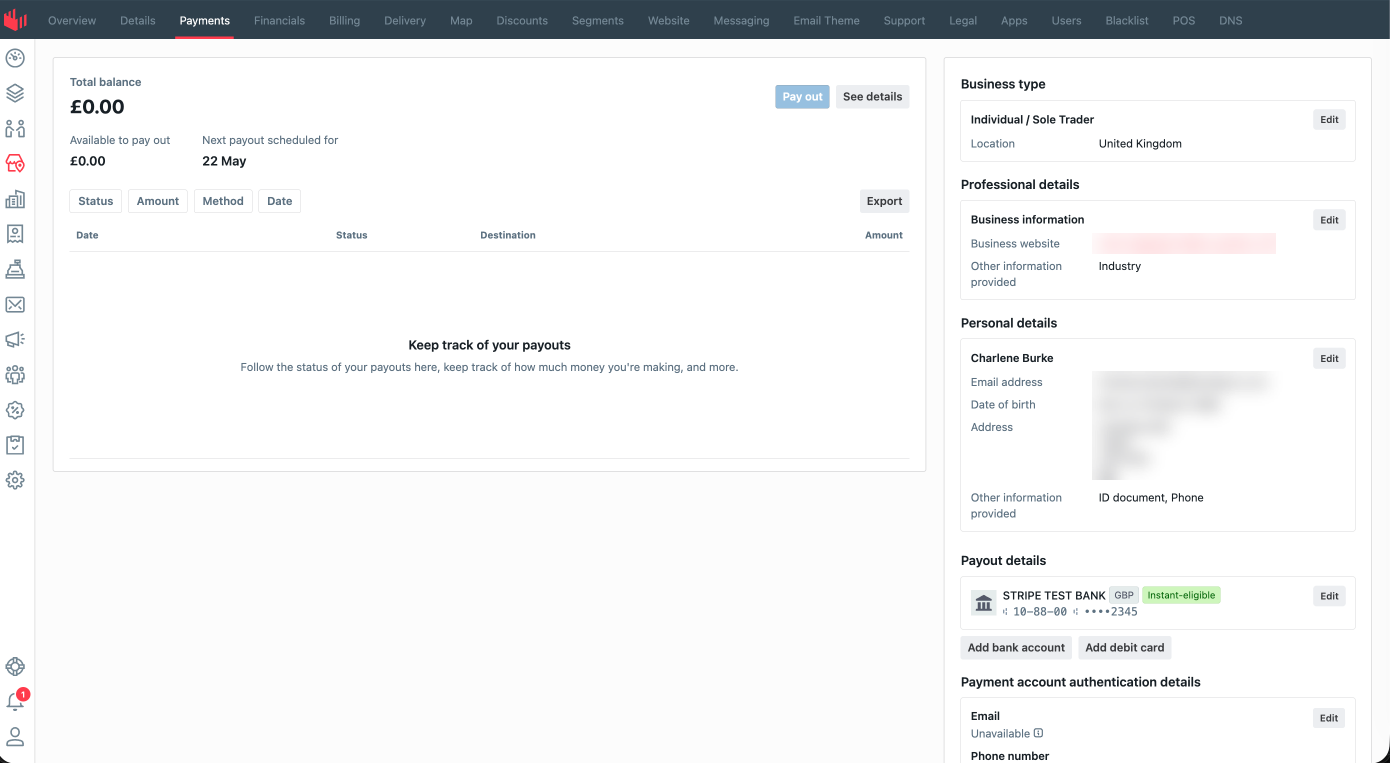
Outlets
How to locate Outlet’s Paybox Account: Redbox Management → Business → Select a Business → Select Outlets → Select an Outlet → Select Payments
-
Once on the ‘Payments’ page, select Sign in - the page will be redirected to the Stripe Login form.
-
Once signed in, the form below will show.
-
Under Payment Details, select ‘Edit’.
-
Complete the form.
-
Select ‘Save’.
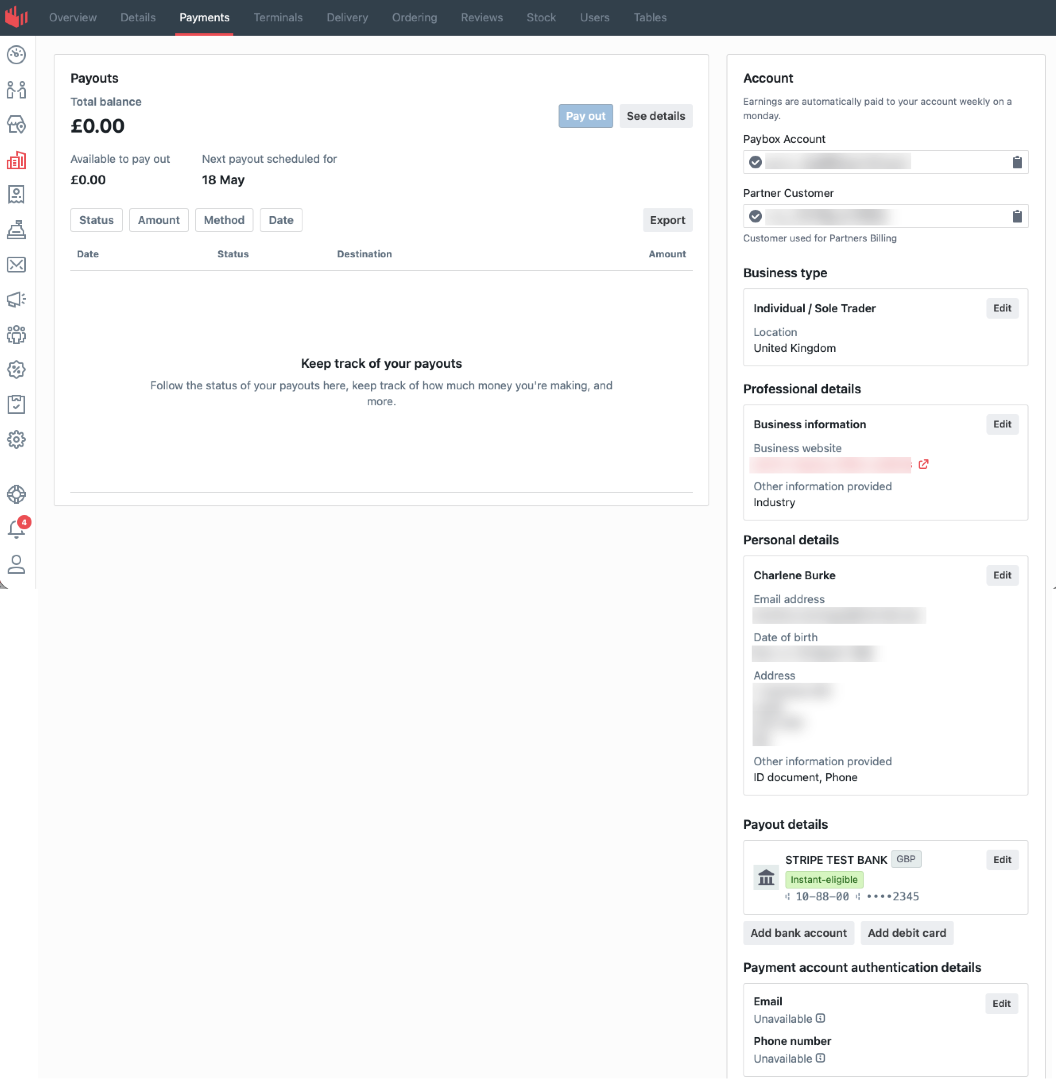
Important notes:
-
Ensure all information entered is accurate to avoid delays in account verification or payouts.
-
Some changes may require additional verification before becoming active.
-
Banking detail updates may take time to process and validate.