
Categories help customers quickly find outlets based on the cuisine or products they want. They appear visually in the main categories segment, and you can now also enable a categories sidebar that sits alongside your outlet list. This gives customers another simple, intuitive way to browse.
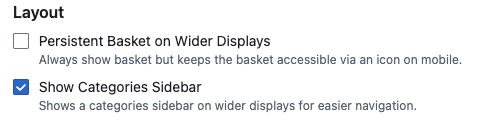
You can turn the categories sidebar on in your management settings under your marketplace’s website configuration.
How to locate Categories Sidebar: Redbox Management → Marketplaces → Select a Marketplace → Website
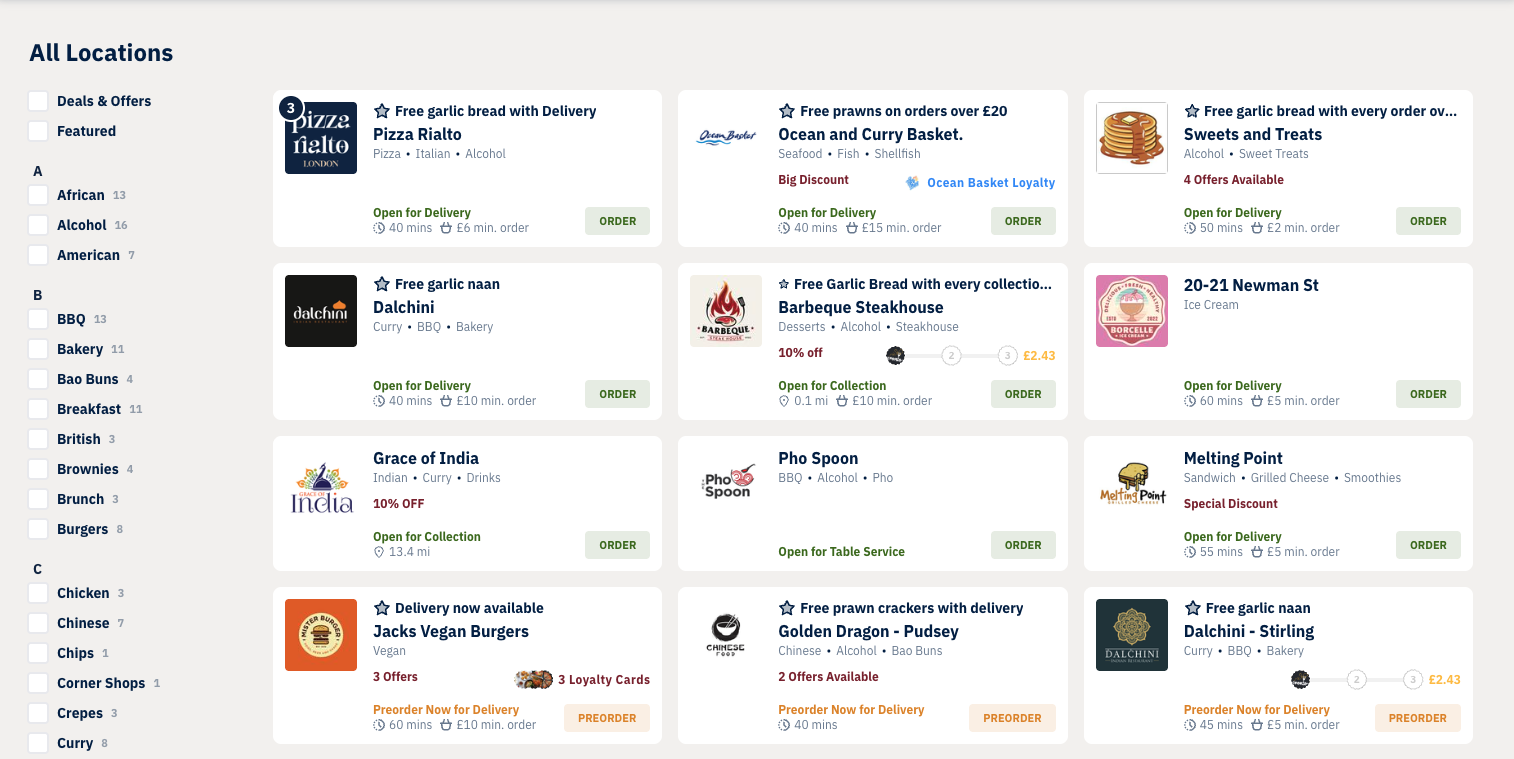
Once enabled, the sidebar will appear next to the outlet list on the ordering website when viewed on wider displays (not on mobile web). Each category displays a count showing how many outlets offer it.
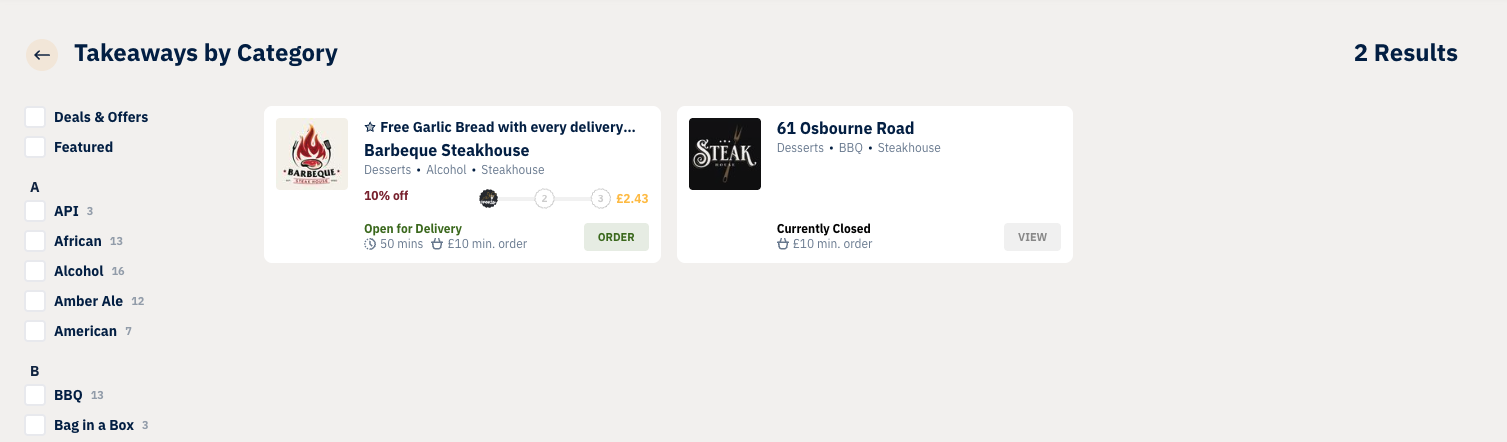
When a customer selects a category in the sidebar, they’ll be taken to a filtered outlet list where the sidebar remains visible, allowing them to refine their search further by selecting additional categories.
The icon in the search bar on wider displays will also take customers directly to the outlet list with the sidebar, instead of opening the categories pop up window. The categories pop up window will still be used on mobile web.
